

One clock-in point covers front and back of house, including split lunch and dinner services.
Restaurants
Staff timesheets for independent restaurants
Kitchen and floor on the same record. Staff clock in from a QR code at the pass or the host stand, managers fix the exceptions, and payroll gets one tidy export per period.
Start free
Timesheets · €19 per location, per month
How it works
How does Timesheets work for a restaurant?
Timesheets gives each site a QR clock-in point and every team member a personal PIN. Waiters, chefs and kitchen porters start and end their own shifts; the manager sees who is on, reviews split shifts and breaks, and exports the recorded hours for payroll.
Restaurants
What you can do
See the live floor and kitchen headcount during service without walking the section.
Correct a forgotten clock-out with a reason, keep the original, and review the result before payroll.
Restaurants
From service to payroll in three steps
- 01
Set up the sections
Add the restaurant, then the floor and kitchen team, and issue each person a private clock-in PIN.
- 02
Clock the real shift
Staff scan the QR code at the pass and use their PIN to start and end each service, split shifts included.
- 03
Review and export
The manager reviews the week, clears missed clock-outs and breaks, and exports a payroll-ready timesheet.
FAQ
Restaurant timesheets: common questions
Can it handle split shifts?
Yes. A team member can clock in and out more than once a day; each segment is recorded and the daily total adds up on the timesheet.
Do kitchen staff need a phone?
No. Anyone can open the location clock page from its QR code on a shared tablet at the pass and enter their PIN.
How do breaks show up?
Unpaid breaks are a clock-out and a clock-in, so the paid total already excludes them. A manager can add or correct a break with a reason.
Timesheets for other venues
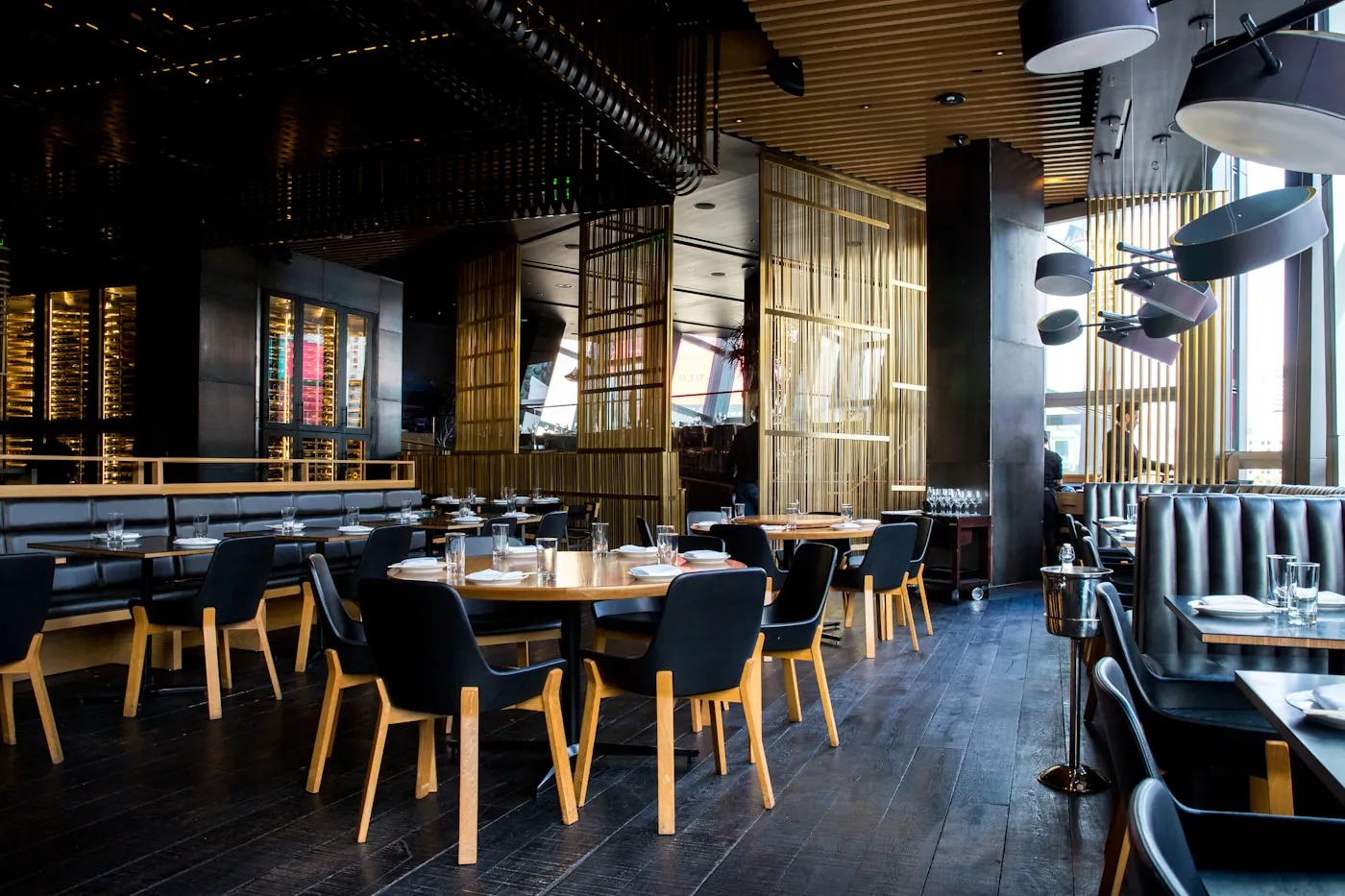 RestaurantsFront and back of house on one record, split shifts included.
 CafésSmall teams, part-time hours, solo opens and closes.
 BarsLate shifts that cross midnight, rotas that change weekly.
 HotelsHousekeeping, reception and F&B across every floor.
 NightclubsDoor, bar and cloakroom, plus one-night event staff.
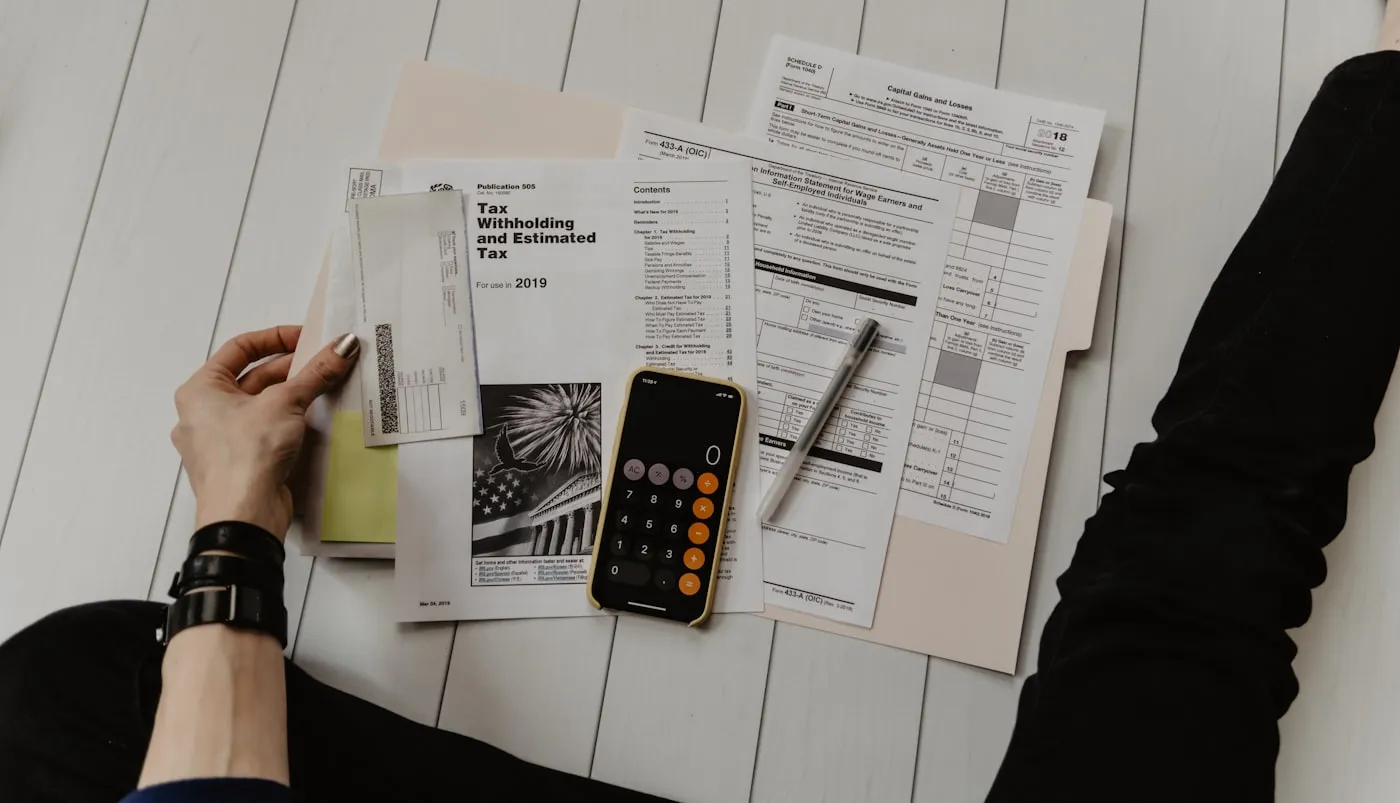 Payroll exportA clean CSV per pay period, corrections tracked.
Staff timesheets for independent restaurants
Timesheets · €19 per location, per month