

One CSV per period, with hours per person and a breakdown by location.
CSV for your accountant
A detailed CSV your accountant can work from
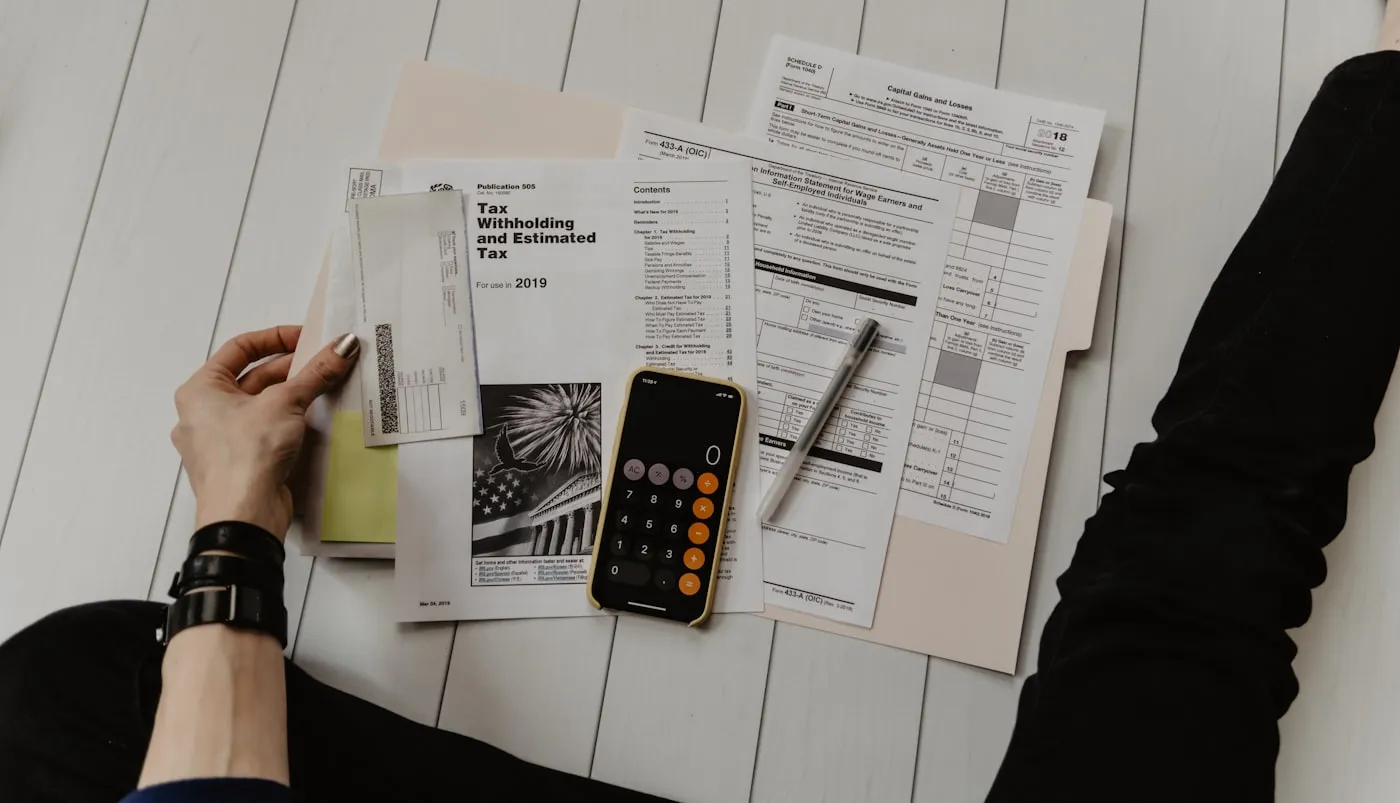
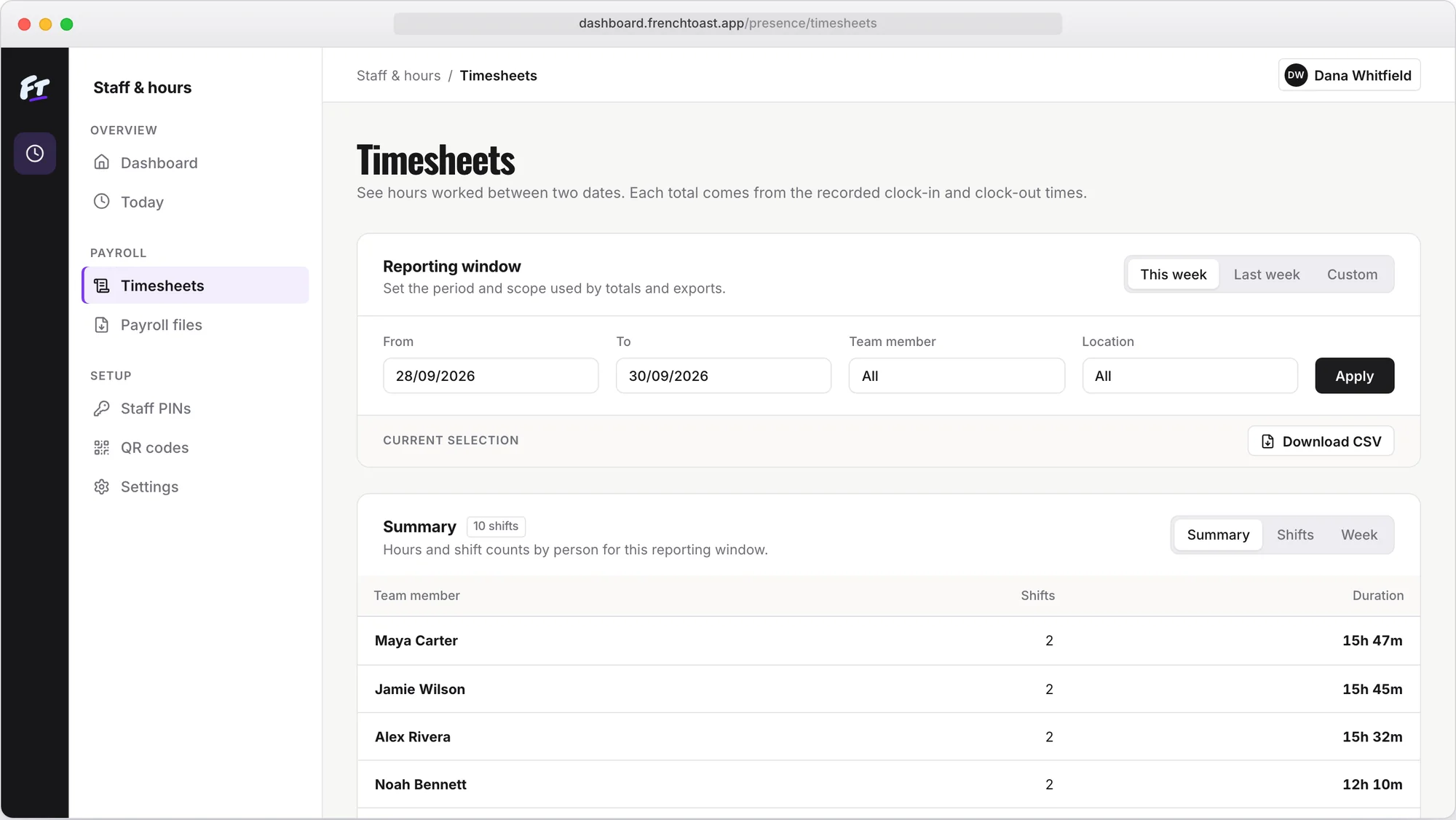
Clocking in is only half the job. At the end of the period you need hours you trust, in a file you can send. Timesheets gives you one detailed CSV per period: corrections tracked, unpaid breaks left out, hours by person and location.
Start free
Timesheets · €19 a month, one price for all your locations
How it works
What do I send my accountant?
Timesheets collects clock-ins and clock-outs, lets you check the period and correct anything with a reason, then gives you a CSV of hours per person and location. You send that file to your accountant or bookkeeper, who runs payroll as usual.
CSV for your accountant
What you can do
Every correction keeps the original record and a reason, so a number can always be checked.
Unpaid breaks are already left out of the total. No manual deductions.
CSV for your accountant
From clock-ins to your accountant in three steps
 01
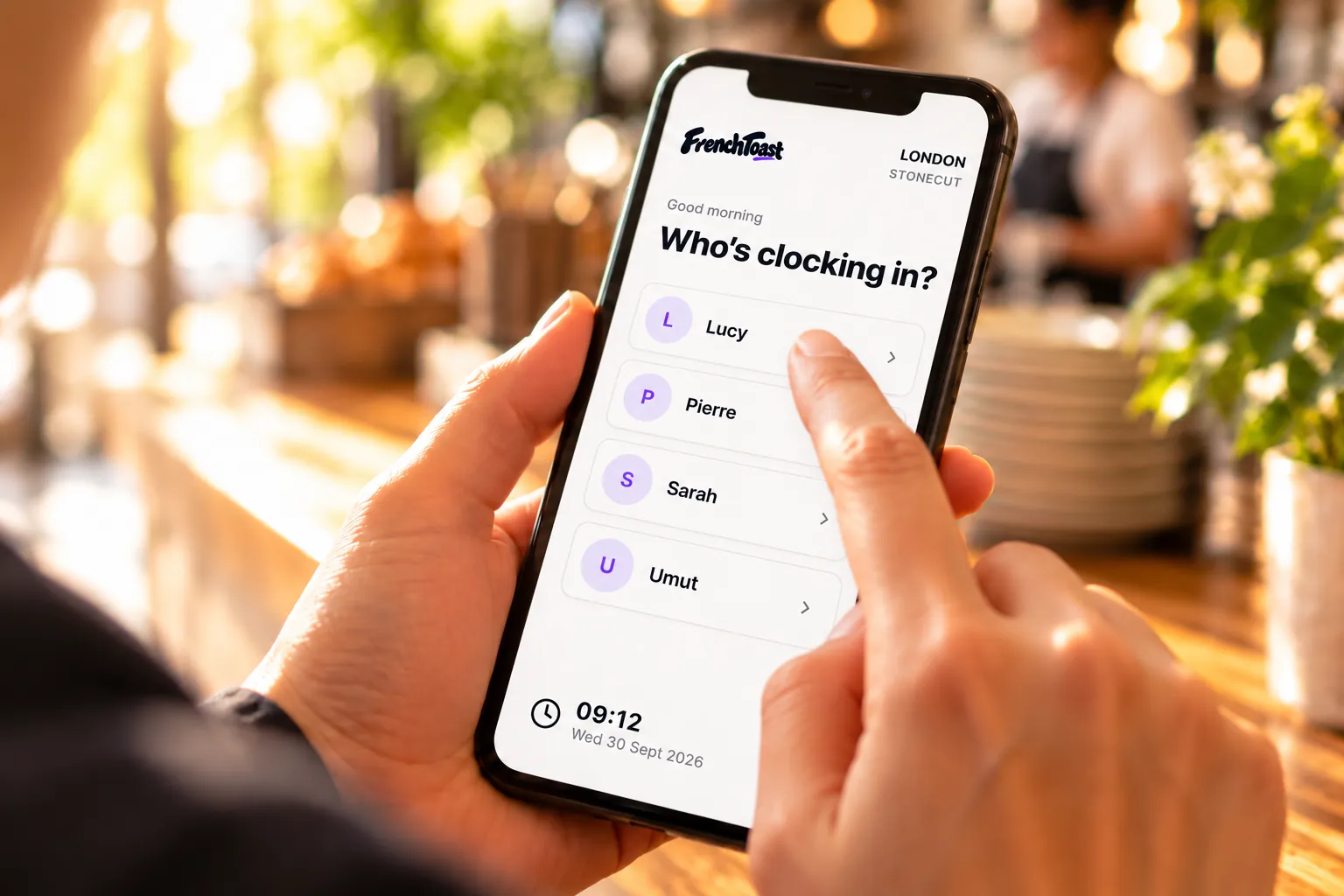
01Collect the hours
Staff clock in and out with their PIN; the record builds up as they go.
 02
02Check the period
Fix forgotten clock-outs and breaks with a reason, then approve the period.
 03
03Send the CSV
Download the CSV for the period and send it to your accountant or bookkeeper.
FAQ
Accountant export: common questions
What format is the export?
A CSV of recorded hours per person and location for the period. It opens in any spreadsheet, and your accountant can map its columns to their payroll software.
Can our accountant see how a number was reached?
Yes. Every correction keeps the original clock-in and a reason, so any total can be traced back.
Does it calculate pay?
No. Timesheets gives you the recorded hours. Gross pay, overtime rates, holiday pay, tax and contributions stay with your accountant or payroll provider.
Does the export cost extra?
No. It’s part of the €19 a month plan, with no charge per export. The first month is free and need no card.
Can we stop retyping hours into Excel?
Yes. Download the checked hours as a CSV and send it as it is. Nobody has to rebuild the month from paper, messages or memory.


A detailed CSV your accountant can work from
Start free
Timesheets · €19 a month, one price for all your locations