

One QR code covers floor and kitchen, lunch and dinner services included.
Restaurants
Staff timesheets for independent restaurants
Floor and kitchen on the same record. Staff clock in with a QR code at the pass, you fix the odd forgotten clock-out, and your accountant gets one detailed CSV. No more Sunday nights in Excel.
Start free
Timesheets · €19 a month, one price for all your locations
How it works
How does Timesheets work for a restaurant?
Timesheets gives each restaurant a QR code and every member of the team a personal PIN. Waiters, cooks and kitchen porters record their own start and finish; you see who’s on, check split services and breaks, and download the hours as a detailed CSV for your accountant or bookkeeper.
Restaurants
What you can do
Plan the week for floor and kitchen, then see who’s on during service and who was late or didn’t come in.
Fix a forgotten clock-out with a reason. The original stays, so the numbers still add up later.
Restaurants
From service to accountant in three steps
 01
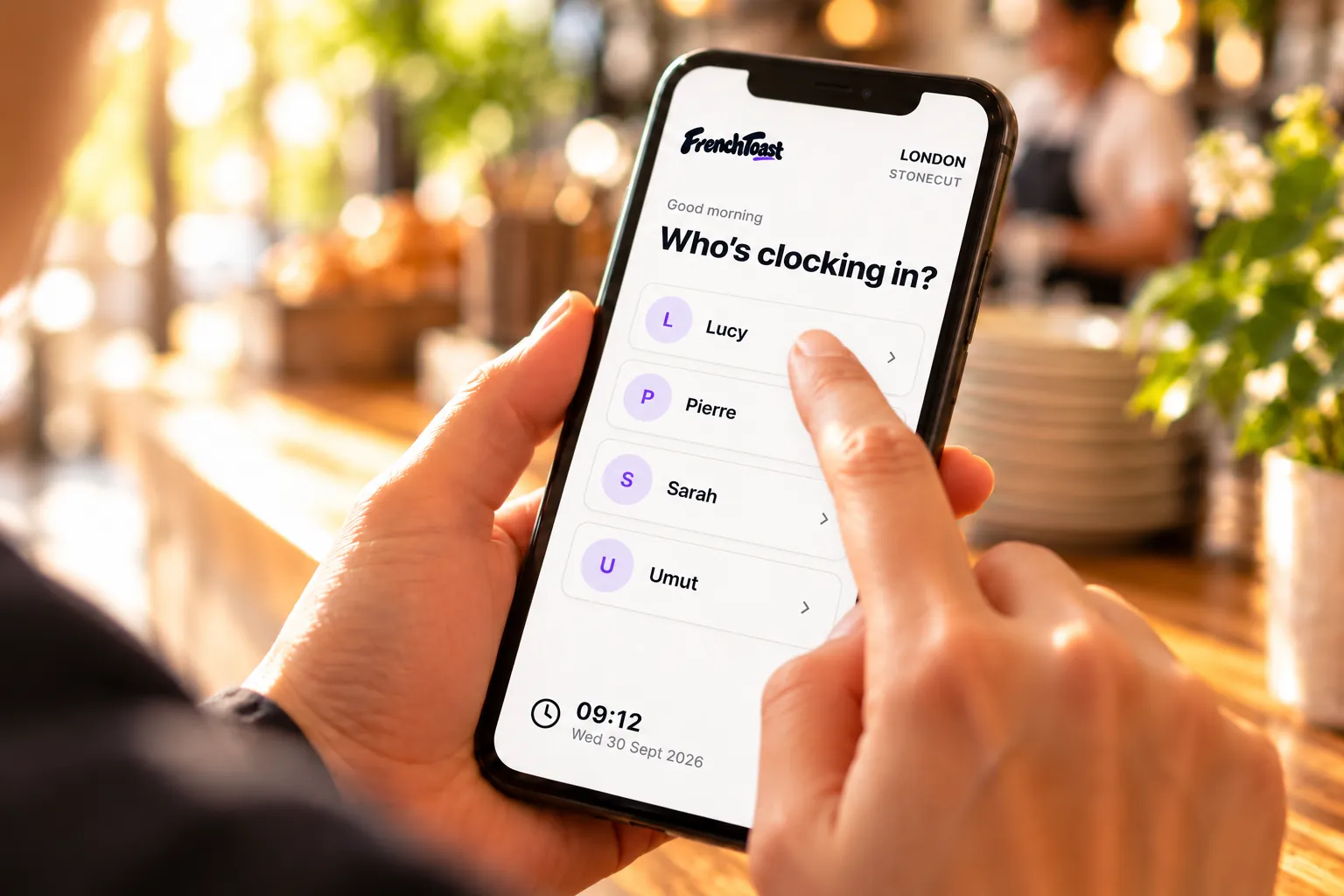
Set up the restaurant
Add the restaurant and the floor and kitchen team, then give each person a private PIN.
 02
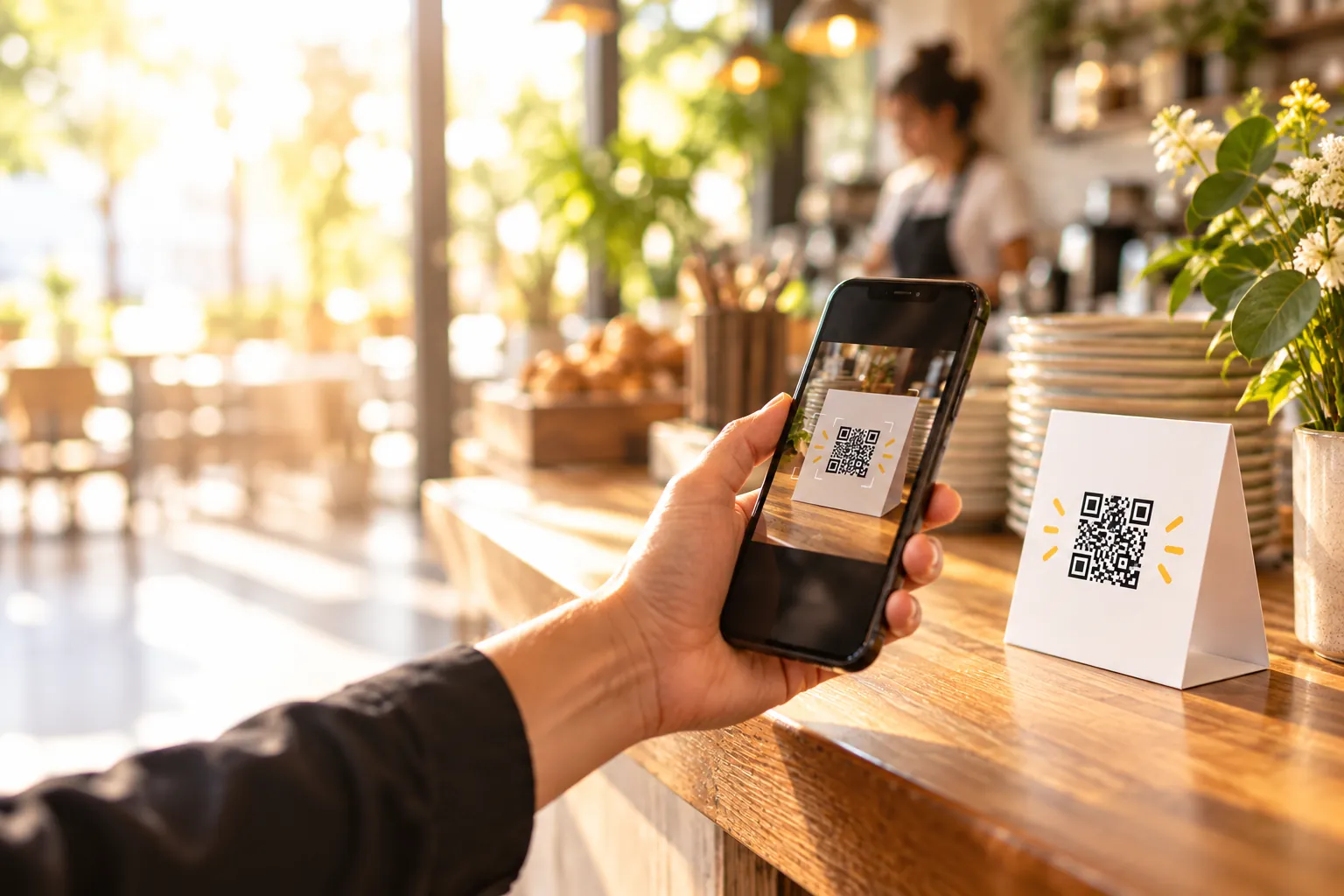
Record the real service
Staff scan the QR code at the pass and enter their PIN as each service starts and ends, split shifts included.
 03
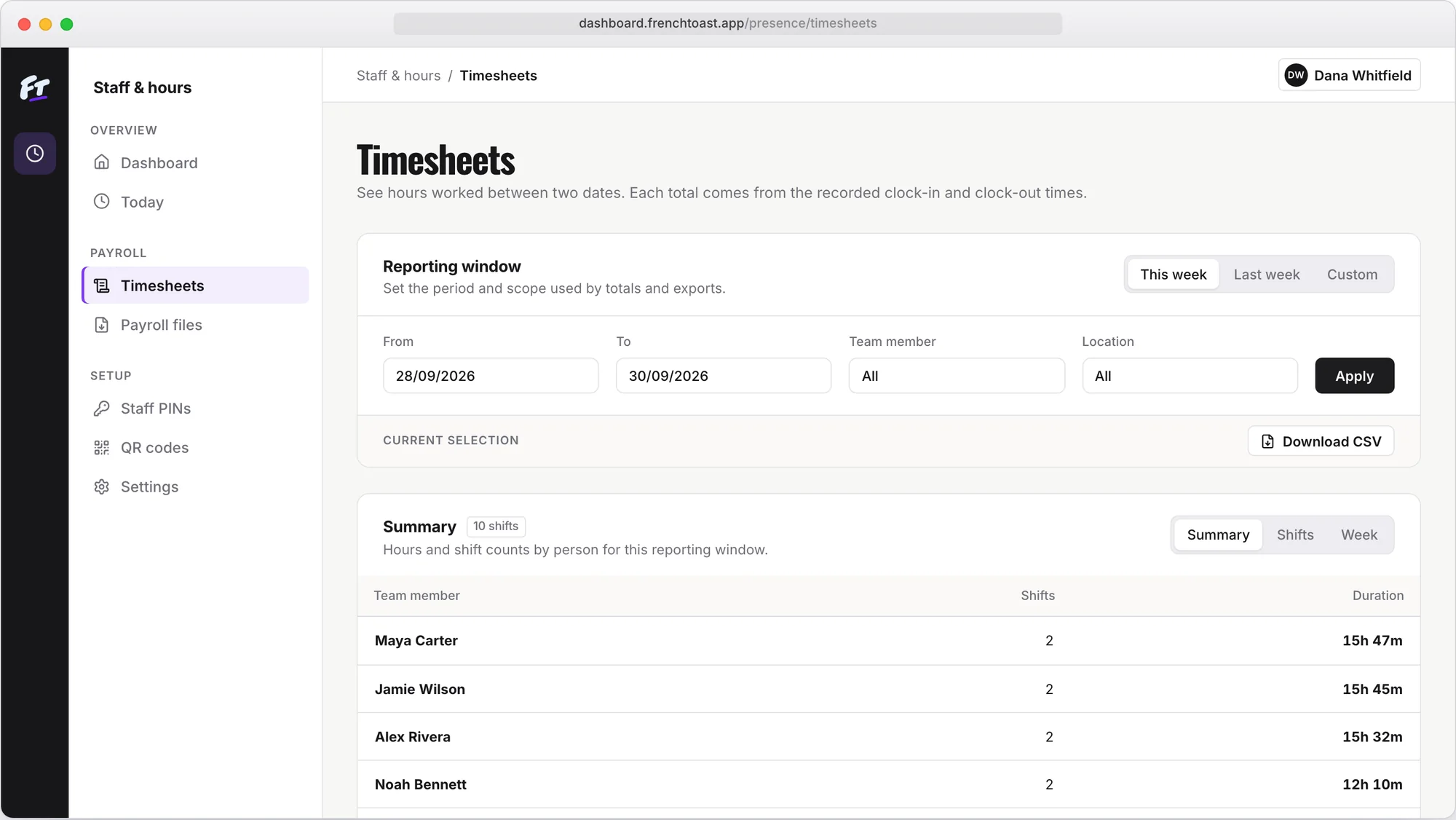
Check and send
Check the week, fix forgotten clock-outs and breaks, then download a detailed CSV for your accountant.
FAQ
Restaurant timesheets: common questions
Can it handle split shifts?
Yes. A team member can clock in and out more than once a day; each segment is recorded and the daily total adds up on the timesheet.
Do kitchen staff need a phone?
No. A shared tablet at the pass is enough: anyone can open the restaurant’s clock page from the QR code and enter their PIN.
How do breaks show up?
When staff clock out, they pick the break they took: 15 minutes to an hour, or an exact number of minutes. Unpaid break time comes off the total, and you can correct a break with a reason.
What does it cost for a restaurant?
€19 a month for all your locations, with unlimited employees and clock-ins. There’s no per-person fee. The first month is free and need no card.
Can we stop using the paper sign-in sheet?
Yes. Staff scan the QR code instead of writing times by hand, so nobody retypes the sheet at the end of the week. You correct any slip with a reason, and the original stays visible.

Staff timesheets for independent restaurants
Start free
Timesheets · €19 a month, one price for all your locations